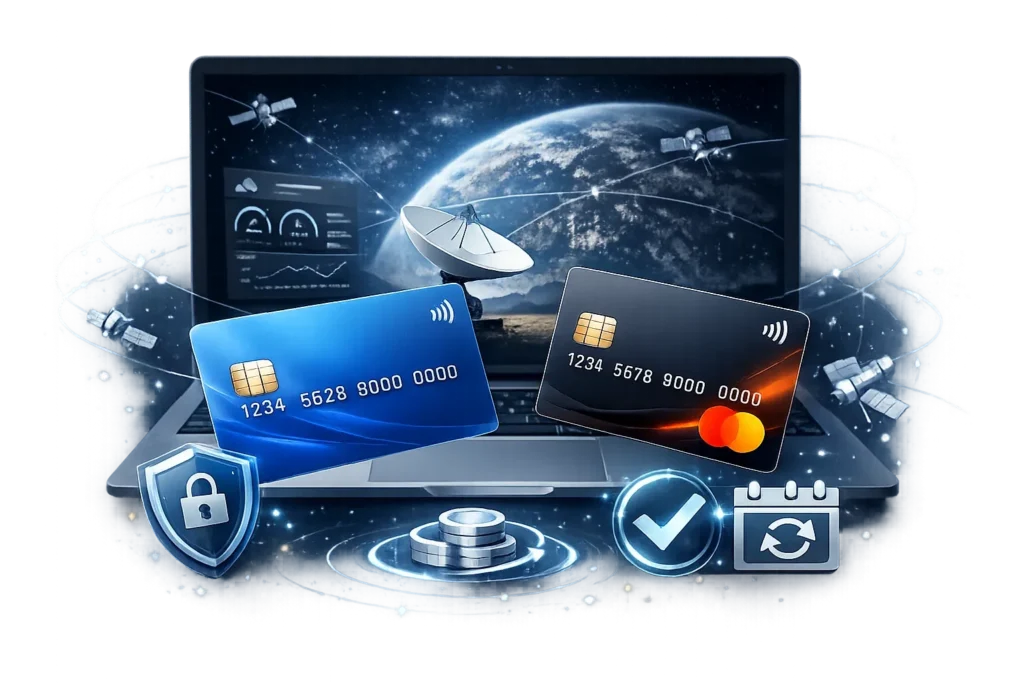
Starlink has changed how people access high-speed internet in remote and underserved regions. However, many users face a common problem: paying the Starlink subscription when traditional bank cards are unavailable, declined, or restricted. This guide explains, step by step, how to pay your Starlink subscription using a virtual Visa or MasterCard from FUNDVCC.com, even if you rely on crypto or alternative payment methods.
Article Overview
- Why Starlink payments fail with traditional cards
- What is a virtual card and how it works
- How FUNDVCC virtual cards solve Starlink payment issues
- Step-by-step process to order and fund your card
- Business vs Personal virtual cards comparison
- Verification cards for online services and subscriptions
Why Starlink Payments Are Often Declined
Starlink requires a valid international Visa or MasterCard to activate and maintain an active subscription. In many countries, users encounter issues such as:
- Local bank cards not accepted for international recurring payments
- Insufficient support for USD-based subscriptions
- Card verification failures during subscription setup
- Restrictions on online or recurring payments
A virtual card designed for online subscriptions offers a practical workaround, especially when funded with crypto or alternative payment rails.
What Is a Virtual Visa or MasterCard
A virtual card is a digital version of a traditional bank card. It includes:
- 16-digit card number
- Expiration date (MM/YY)
- CVV security code
- Cardholder name
Virtual cards are optimized for online payments, subscriptions, and account verification. They reduce fraud risk and allow flexible funding options, including cryptocurrencies.
Introducing FUNDVCC Virtual Cards
FUNDVCC.com is an online service that provides virtual Visa and MasterCard solutions for online payments, subscriptions, and account verification. FUNDVCC cards are widely used for services such as Starlink, streaming platforms, cloud services, developer accounts, and online tools.
Key advantages include:
- Rechargeable virtual Visa and MasterCard options
- Funding via crypto (USDT, USDC, BTC, ETH, BNB, LTC)
- Support for Coinbase, Binance, Skrill, Paysera
- Credit and debit card funding
- Indirect crypto-to-fiat conversion via online payment solutions
FUNDVCC can also be used as an indirect method to convert cryptocurrencies into real currencies such as USD, EUR, and GBP by purchasing and using virtual cards.
How to Pay Starlink Using a FUNDVCC Virtual Card
Step-by-Step Process
- Visit the Virtual Cards section: https://fundvcc.com/#VirtualCradSection
- Select Rechargeable Virtual Bank Card
- Click Order Now: Product Page
- Choose the card type: Business or Personal
- Select the desired initial balance
- Proceed to checkout
- Fill in your full name, address, phone number, and email
- Select your preferred payment method and confirm
Once issued, you can use your virtual card directly on the Starlink billing page to activate or renew your subscription.
Business vs Personal Rechargeable Virtual Cards
| Feature | Business Card | Personal Card |
|---|---|---|
| Card Type | Fresh generated card | Dedicated for specific use |
| 3D / 2D Secure | Optional (can disable OTP) | 3D Secure enabled |
| Payment Type | Recurring & subscriptions | One-time payments |
| Validity | Up to 5 years | 3 months |
| Reload Limit | Unlimited | Up to 1000 USD |
| Balance Transfer | Free transfers | Transfer with fee |
Recommendation: For Starlink subscriptions and recurring billing, the Business rechargeable virtual card is strongly recommended.
Virtual Cards for Account Verification
Many online platforms require card verification to activate accounts, start trials, or unlock features. FUNDVCC offers dedicated virtual cards for verification purposes.
Supported use cases include:
- Streaming services (Netflix, Amazon Prime Video, Disney+, Apple TV+)
- Cloud platforms (AWS, Google Cloud, Microsoft Azure)
- Developer accounts (Google Play Console, Apple Developer)
- Online tools (ChatGPT Plus, Canva Pro, Grammarly Premium)
- E-commerce platforms (Amazon, eBay, Shopify, Wix)
- Payment and crypto platforms (PayPal, Wise, Binance, Coinbase)
Each platform link can be opened in a new tab as required, and the verification card is selected during checkout.
How to Order a Verification Card
- Go to: Virtual Cards Section
- Select the verification virtual card
- Click Order Now: Verification Card
- Choose the service to verify or select “Other”
- Complete checkout and confirm payment
Fees, Delivery Time, and Important Notes
- Fees vary depending on card type, balance, exchange rate, and payment processor
- Payment processors may include CODARAB Pay, WcPay, PayPal, Stripe, Paddle, Flutterwave
- Card details are delivered by email
- Standard delivery time: 5 to 30 minutes
- Manual verification may extend delivery up to 12 hours
Why FUNDVCC Is Ideal for Starlink Users
FUNDVCC bridges the gap between crypto, alternative payments, and real-world online subscriptions. It allows users without reliable banking access to pay for essential services like Starlink securely and efficiently.
For broader insights into crypto-funded virtual cards and global usage, see this internal resource: Virtual Card for Starlink Subscription. :contentReference[oaicite:0]{index=0}
Watch the Full Video Tutorial
A complete video walkthrough is available on YouTube:
How to Pay Starlink Subscription Using a Virtual Card | FUNDVCC
Conclusion
Paying for Starlink does not require a traditional bank account anymore. With a rechargeable virtual Visa or MasterCard from FUNDVCC.com, you can activate and maintain your Starlink subscription using crypto or alternative payment methods. This solution is fast, flexible, and designed for global users who need reliable internet access without banking limitations.